

Table of Contents
ToggleThe Nest Secure system made waves when Google launched it in 2017, bringing that familiar Nest polish to home security. But here’s the catch: Google officially discontinued Nest Secure in 2020, ending sales of new hardware while continuing support for existing systems. If you already own one or are considering a used unit, you’ve got a capable DIY security setup, but you need to know what you’re working with, how long support will last, and whether it still makes sense compared to current alternatives.
Key Takeaways
- Nest Secure was discontinued by Google in 2020, but existing systems remain functional with ongoing cloud support, though the long-term timeline remains uncertain.
- The Nest alarm system uses Thread networking and features a Guard hub, Detect sensors, and Tag key fobs that provide motion detection, door/window monitoring, and flexible disarming options without requiring professional installation.
- Nest Secure’s motion sensors deliver high accuracy with minimal false alarms, but it lacks glass-break detection, water leak sensors, and smoke integration that newer competitors now offer.
- Used Nest Secure starter kits cost $150–$250 secondhand, making them cheaper upfront than new alternatives, but this savings disappears when factoring in discontinued support and no upgrade path.
- Deep integration with Google Assistant and Nest products (cameras, locks, thermostats) makes Nest Secure ideal for Google-focused smart homes, but it lacks HomeKit support and third-party flexibility.
- If you own Nest Secure, continue using it safely; if buying new security in 2026, choose an actively supported system to avoid the risk of hardware obsolescence.
What Is the Nest Alarm System and How Does It Work?
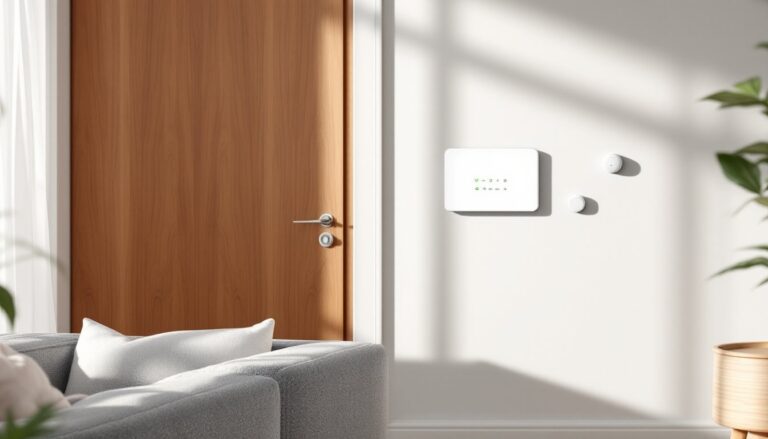
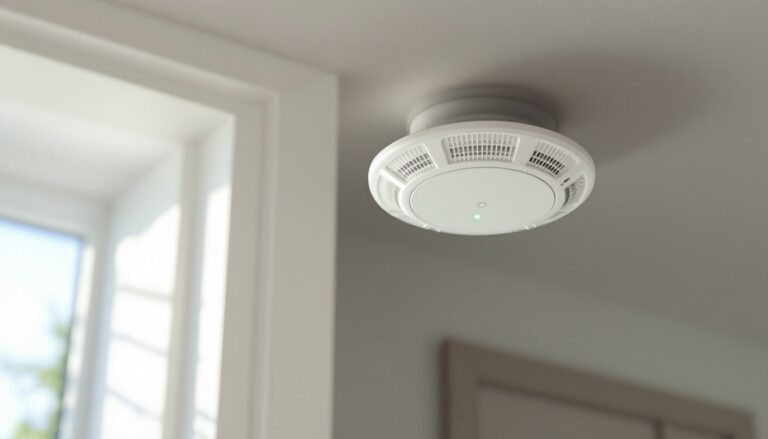
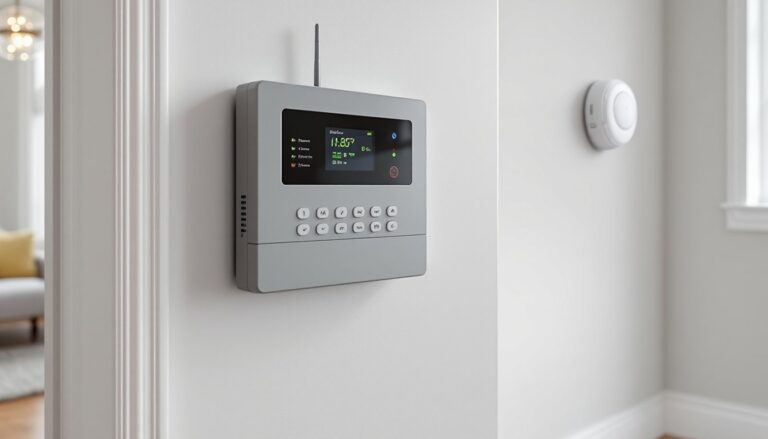
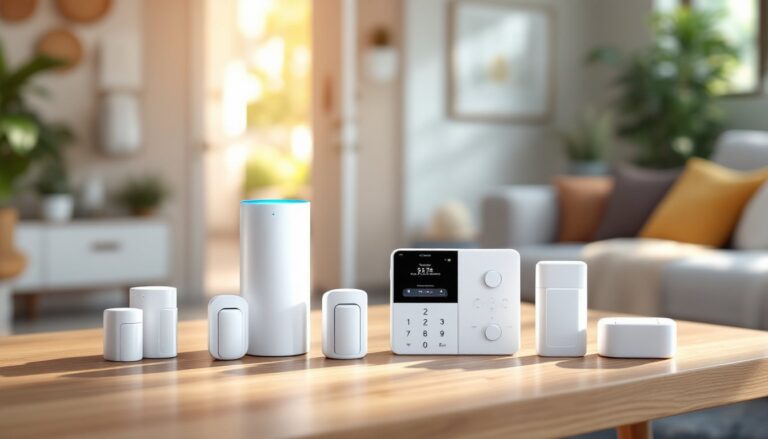
Nest Secure was Google’s attempt at a self-installed home security kit, centered around three main components: the Nest Guard (a combined hub, keypad, and motion sensor), Nest Detect sensors (door/window and motion detection), and Nest Tag key fobs for arming and disarming without codes.
The Guard unit connects to your home Wi-Fi and serves as the brain of the system. It houses a 85-decibel alarm, motion sensor, and keypad for manual control. Detect sensors mount on doors, windows, or walls using adhesive strips or screws, they’re dual-purpose, detecting both opening/closing events and motion in a room.
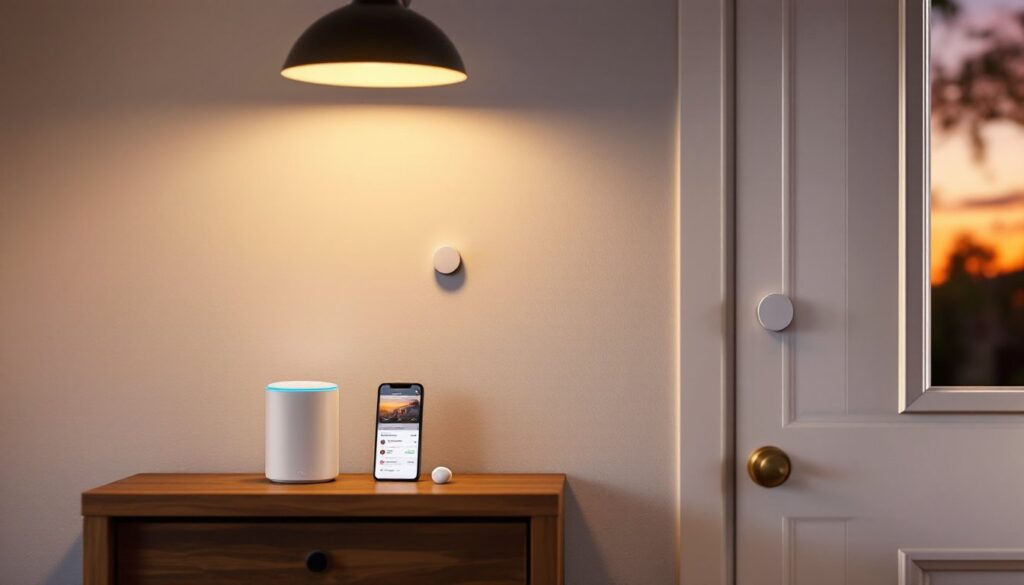
When armed, the system monitors all connected sensors. If a Detect senses an entry or movement, the Guard sounds its alarm and sends a notification to your phone via the Nest app (now integrated into the Google Home app). You’ve got a brief window to disarm using a Tag, passcode, or app before the alarm fully triggers.
The system operates on 802.15.4 Thread networking, a low-power mesh protocol that allows sensors to communicate reliably even when spread across a larger home. Each Detect runs on a CR123 lithium battery (user-replaceable, lasting 1-2 years), while the Guard plugs into standard 120V AC power with a backup battery for short outages.
One smart touch: the Guard uses passive detection to sense when you’re home, automatically switching to off mode when it recognizes regular activity patterns. It’s not foolproof, but it cuts down on false alarms.
Key Features That Make Nest Security Stand Out
Even as discontinued hardware, Nest Secure brought features that were ahead of their time in 2017, and some still hold up.
Pathlight on Detect sensors is subtle but useful. Each sensor includes a small LED that glows softly at night, guiding you through dark hallways without fumbling for light switches. It’s motion-activated and automatically dims after movement stops.
Two-factor entry options add flexibility. You can disarm using a four-digit passcode, a Nest Tag (which works via NFC when tapped on the Guard), or the app. Tags are ideal for kids or guests who shouldn’t have your master code.
Quiet Open mode lets you open a door or window without triggering the alarm, handy when you need to crack a window at night but want the rest of the house monitored. You enable it per sensor through the app.
Many modern systems integrate with platforms like Google Home for broader control, but Nest Secure was purpose-built for this ecosystem. Voice control through Google Assistant allows you to arm, disarm (with voice PIN), and check system status hands-free.
The system also supports professional monitoring through Brinks Home Security (formerly MONI Smart Security), though this requires a monthly subscription. Without it, you’re limited to self-monitoring via app alerts, no automatic dispatch to emergency services.
Setting Up Your Nest Alarm System: A DIY Installation Guide
Installation doesn’t require drilling into studs or running wire, this is a true DIY job that most homeowners can finish in under an hour.
Tools and materials you’ll need:
- Phillips head screwdriver (for wall-mounting Detect sensors, optional)
- Smartphone with Google Home app installed
- Active Wi-Fi network (2.4 GHz band required)
- Mounting adhesive strips (included) or screws
Step-by-step installation:
-
Position the Guard unit on a flat surface near your main entry, within reach of a power outlet. Avoid placing it in corners or behind furniture, the motion sensor needs a clear view of the room. Plug in the power adapter and follow the in-app prompts to connect to Wi-Fi.
-
Install Detect sensors on doors and windows. For door/window monitoring, mount the sensor on the frame and the magnet piece on the door itself, keeping them within 1 inch of each other when closed. The adhesive strips work on most surfaces (painted wood, metal, vinyl), but screws provide more security on heavy exterior doors.
-
Add sensors to the system by pressing the button on each Detect until the light ring glows blue, then following the pairing steps in the app. Name each sensor by location (“Front Door,” “Garage Window”) for easier management.
-
Set up user codes and Tags. Assign a unique four-digit code for each household member. Distribute Nest Tags and have users register them by tapping on the Guard.
-
Test the system. Arm it in Home or Away mode, then trigger a sensor. Verify that you receive a mobile notification and the alarm sounds after the entry delay (customizable, default is 30 seconds).
Pro tip: If you plan to use motion detection in rooms with pets, position Detects at least 4 feet off the floor. This reduces false alarms from animals under 40 pounds, though it’s not a guaranteed filter.
For complex setups or homes with challenging layouts, many traditional wired home alarm systems offer more comprehensive coverage, but at the cost of professional installation.
Nest Secure vs. Competitors: How Does It Compare?
Nest Secure launched into a crowded field, and by 2026 standards, it’s missing some features that newer systems offer.
Compared to competitors like Ring Home Alarm, Nest’s hardware feels more refined, better build quality, quieter operation, and that signature Google design. But Ring has kept pace with active development, adding features like Alexa Guard integration and compatibility with a wider range of third-party sensors.
According to independent testing from Tom’s Guide, Nest Secure’s motion sensors proved highly accurate with minimal false alarms, outperforming budget systems in real-world use. But, it lacks glass-break detection, water leak sensors, and smoke detector integration, gaps that competitors like SimpliSafe and Abode now fill.
Pricing also shifted since discontinuation. New Nest Secure starter kits originally sold for $399 (Guard plus two Detects), with additional Detects at $59 each and Tags at $25. Used units on secondary markets run $150-$250 for a starter kit, but availability is spotty and warranties are non-existent.
The biggest concern isn’t hardware, it’s future support. Google has committed to maintaining cloud services for Nest Secure “for the foreseeable future,” but that’s vague. When Google eventually pulls the plug, these systems turn into expensive paperweights. Recent smart home trends on Digital Trends highlight this risk: discontinued smart devices often lose functionality within 5-7 years of end-of-sale.
For DIYers prioritizing motion detection accuracy, Nest Secure still delivers. But if you want a system with guaranteed long-term updates, look elsewhere.
Integrating Nest Alarm with Your Smart Home Ecosystem
Nest Secure integrates tightly with the Google ecosystem but plays less nicely with others, a classic Google move.
Google Assistant offers the deepest integration. You can arm the system by voice (“Hey Google, arm my security system”), check sensor status (“Is the back door open?”), and include security status in routines. For example, you can create a “Goodnight” routine that locks smart locks, dims lights, and arms Nest Secure, all with a single command.
The system also communicates with other Nest products. Nest cameras can automatically start recording when the alarm triggers, and Nest x Yale locks can auto-lock when you arm the system. If you’ve already invested in the Nest ecosystem (thermostat, cameras, doorbell), this integration feels seamless.
But here’s the rub: no native HomeKit support and limited third-party integration. Unlike systems that work with SmartThings, IFTTT, or Zigbee devices, Nest Secure is a walled garden. You won’t be adding Z-Wave sensors or connecting it to a Hubitat hub.
For those interested in broader smart home integration, competitors offer more flexibility. Reviews on CNET consistently highlight Ring and Abode as better choices for multi-platform homes that mix Apple, Google, and Amazon devices.
One workaround: use Google Home routines as a bridge. You can trigger other smart home actions based on Nest Secure’s arm/disarm status, but it’s clunky compared to native integrations.
If your home runs on Google Assistant and Nest products, you’re golden. If you’re mixing ecosystems or planning to expand with non-Google devices, Nest Secure’s limitations will frustrate you.
Pricing, Subscription Plans, and Long-Term Value
Since Nest Secure is discontinued, you’re looking at secondhand pricing, which varies widely based on condition and included components.
Used hardware costs (as of early 2026):
- Starter kit (Guard + 2 Detects + 2 Tags): $150-$250
- Additional Detect sensors: $30-$50 each
- Nest Tags: $15-$20 each
Compare that to active competitors: Ring Alarm starts at $200 new for a 5-piece kit, and SimpliSafe kits range from $230-$500 depending on configuration. Nest’s used pricing looks attractive until you factor in the uncertainty around long-term support.
Subscription costs add up over time. The basic Nest Aware subscription ($6/month or $60/year) is primarily for camera features, continuous video recording, intelligent alerts, familiar face detection. It doesn’t add functionality to Nest Secure itself.
For professional monitoring, Brinks Home offers plans starting at $19/month. This includes 24/7 monitoring with emergency dispatch and cellular backup (since the Guard doesn’t have built-in cellular). Without professional monitoring, you’re self-monitoring only, alerts come to your phone, but no one calls the police if you’re unreachable.
Many DIYers find that backup battery solutions become critical for any security system, but Nest Guard’s internal battery only provides 12-24 hours of backup during power outages, shorter than competitors like Ring (24 hours with optional backup battery) or systems with dedicated cellular modules.
Long-term value calculation: If you already own Nest Secure, keep using it, it’s still functional and supported. But buying used in 2026 is a gamble. You’re paying for hardware that Google could stop supporting at any point, with no upgrade path or replacement parts guaranteed.
For peace of mind and future-proofing, investing in an actively supported system makes more financial sense, even at a higher upfront cost.
Conclusion
Nest Secure delivered a polished, user-friendly security experience, but it’s living on borrowed time. If you own one, you’ve got a solid system that integrates beautifully with Google’s ecosystem, and there’s no reason to replace it immediately. But if you’re shopping for a new security setup in 2026, the smart money is on actively supported systems with clear long-term roadmaps. Google’s discontinuation shows that even well-designed smart home products can become orphaned overnight, and that’s a risk DIYers should weigh carefully before committing.