

Table of Contents
ToggleHome security doesn’t have to drain your savings account. Modern budget alarm systems pack serious protection into affordable packages, and the gap between cheap and premium has never been narrower. Wireless tech, smartphone integration, and DIY installation have slashed costs without sacrificing reliability. Whether you’re securing a rental, a starter home, or just working within a tight budget, today’s affordable systems deliver real peace of mind, not the watered-down security of years past.
Key Takeaways
- Modern cheap alarm systems now deliver 80-90% of premium features at a fraction of the cost, with wireless technology and DIY installation eliminating expensive professional labor.
- Essential features for a reliable cheap alarm system include entry detection with 3-5 sensors, instant smartphone alerts within 10-15 seconds, battery backup lasting 12-24 hours, and a siren hitting at least 85-95 decibels.
- Popular budget-friendly options like Ring Alarm (~$200), Wyze (~$120), and SimpliSafe (~$245) offer plug-and-play installation that takes under an hour with no hardwiring required.
- Self-monitoring is free but requires you to respond quickly, while professional monitoring ($10-$30/month) automatically alerts police if you don’t confirm false alarms within 30-60 seconds.
- Proper sensor placement on exterior doors and ground-floor windows, regular battery checks every 18-24 months, and thorough testing before arming prevent false alarms and ensure your cheap alarm system works when it matters.
- Start with self-monitoring to learn your system and avoid lock-in contracts, then add professional monitoring later if your lifestyle or security needs change.
Why Budget-Friendly Alarm Systems Are Better Than Ever
Ten years ago, “cheap alarm system” meant a couple of door sensors and a loud siren that probably wouldn’t scare anyone off. Not anymore.
The security market has been turned upside down by wireless technology and mass production. Entry-level systems now include smartphone alerts, battery backup, and integration with voice assistants, features that used to be exclusive to $1,000+ setups. Companies like Ring, Wyze, and SimpliSafe figured out that most homeowners don’t need 24/7 video monitoring and military-grade encryption. They need reliable intrusion detection and fast alerts when something’s wrong.
Manufacturers also realized that DIY installation eliminates the biggest cost driver: professional labor. No more paying a technician $200 to drill holes and run wires. Modern systems use wireless sensors powered by coin-cell batteries that last 2-3 years. Setup takes an hour, not a day, and you can take the system with you when you move.
The result? Systems that cost $150-$400 upfront now deliver 80-90% of what you’d get from a $2,000 professionally installed setup. For most suburban homes and apartments, that’s more than enough deterrent to send burglars looking for easier targets.
Top Features to Look for in Affordable Home Security
Not all budget systems are created equal. Here’s what separates decent setups from junk:
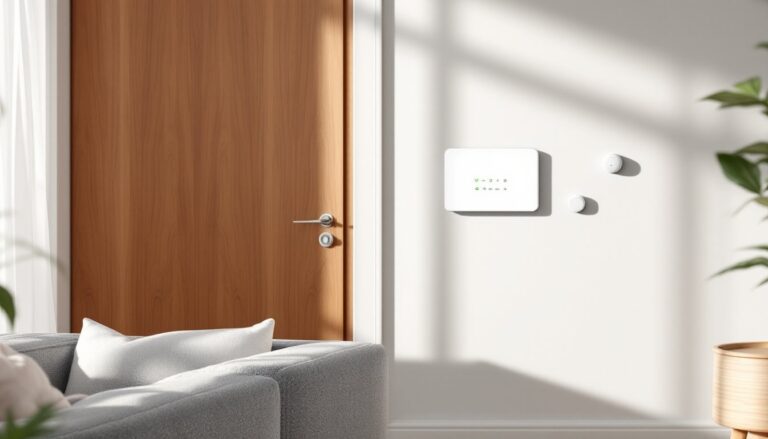
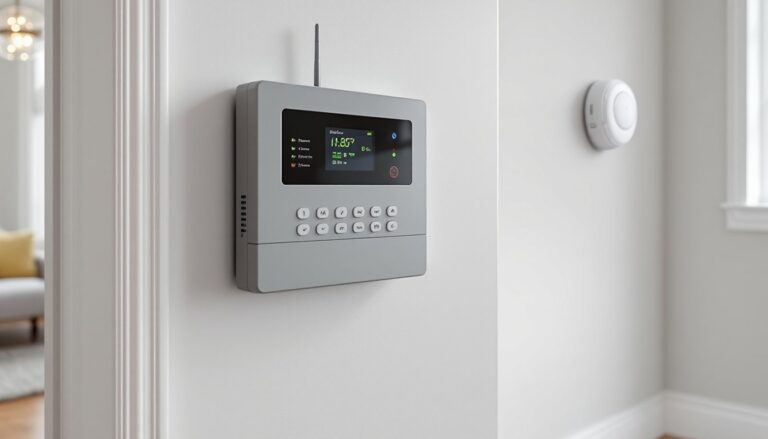
Entry detection is non-negotiable. Look for kits that include at least 3-5 door/window sensors. These magnetic contacts trigger when a door opens, and they’re the backbone of any alarm system. Systems without enough sensors force you to buy add-ons immediately, killing the budget advantage.
Smartphone alerts should be instant and reliable. The system needs to ping your phone within 10-15 seconds of a sensor trip. Some cheaper systems rely on email notifications, which can be delayed by minutes, useless if someone’s kicking in your back door. Look for systems with dedicated mobile apps, not generic smart home platforms that treat security as an afterthought.
Backup power matters more than most people realize. A system that dies when the power goes out is just expensive decoration. Quality budget systems include a battery backup that keeps the base station running for 12-24 hours during outages. If a system doesn’t spec its backup duration, assume it doesn’t have one.
Siren volume should hit at least 85-95 decibels. That’s roughly as loud as a lawnmower or food processor, annoying enough to send intruders running and alert neighbors. Wimpy 70-decibel chimes won’t cut it.
Optional professional monitoring gives you flexibility. Even if you self-monitor at first, the option to add $10-$20/month monitoring later without replacing your entire system is valuable. Life changes, and so do security needs.
Skip systems that require proprietary hubs you can’t expand or that lock you into expensive monthly plans from day one. The best cheap home security cameras can integrate with modular systems that grow as your budget allows.
Best Cheap Alarm System Options for DIY Installation
Here are the systems that consistently deliver value without cutting corners on essentials:
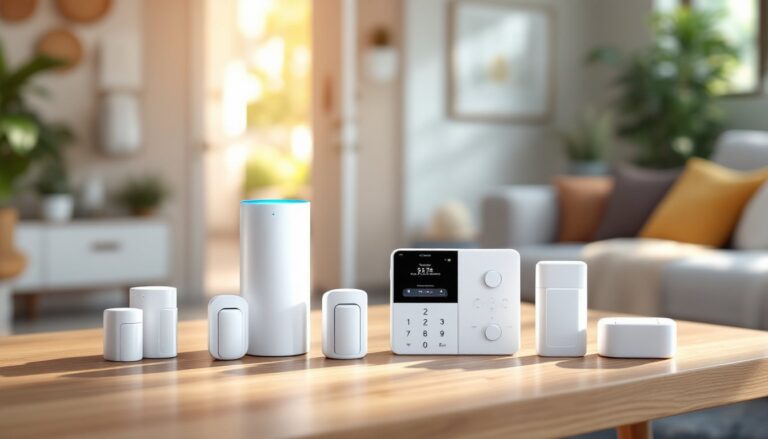
Ring Alarm (5-piece kit, ~$200) remains a DIY favorite for good reason. The kit includes a base station, keypad, contact sensor, motion detector, and range extender. Setup is genuinely plug-and-play, pair sensors via the app, stick them to doors and walls with 3M adhesive strips, and you’re armed in under an hour. Battery backup lasts 24 hours, and the siren hits 104 decibels. Sensors work reliably up to 250 feet from the base in open space: expect half that with walls in the way. Professional monitoring costs $20/month if you want it, but self-monitoring is free.
Wyze Home Monitoring (~$120 for starter kit) undercuts nearly everyone on price. You get a hub, two entry sensors, one motion sensor, and a keypad. The catch? Professional monitoring is required at $10/month, there’s no self-monitoring option. Still, that’s $240 for the first year, which beats most competitors. The system integrates with Wyze cameras if you’re already in that ecosystem, and the sensors are surprisingly responsive. Good for tight budgets where every dollar counts.
SimpliSafe (5-piece kit, ~$245) sits in the middle: slightly pricier upfront but more expandable. The base station has a loud siren and built-in cellular backup, so it alerts even if your Wi-Fi goes down, a feature usually reserved for pricier systems. Sensors snap into proprietary mounting brackets instead of adhesive, which means cleaner removal if you’re in a rental. Professional monitoring is optional at $18-$28/month depending on the plan.
All three systems work with voice assistants (Alexa, Google Assistant) and send instant push notifications. None require hardwiring or professional installation. If you’re deciding between wired home alarm systems and wireless options, understand that wired setups offer more reliability but require running cables through walls, not beginner-friendly.
Self-Monitored vs. Professional Monitoring: What’s Worth the Cost?
This is where most buyers overthink things. Here’s the straight answer:
Self-monitoring means you get alerts on your phone when a sensor trips, and you decide what to do, check your cameras, call the cops, or ignore it if you know it’s a false alarm. It’s free, puts you in control, and works well if you’re usually near your phone and live in an area with fast police response. The downside? If you’re in a meeting, on a plane, or just miss the notification, nobody’s calling 911 for you.
Professional monitoring ($10-$30/month) means a monitoring center gets the alert first. If you don’t respond within 30-60 seconds to confirm it’s a false alarm, they contact local police. Some services also monitor smoke and CO detectors. This is worth it if you travel frequently, have kids home alone, or simply want backup. According to recent reviews of cheap security systems, monitored systems show faster police dispatch in genuine emergencies.
One thing to know: police in some cities deprioritize or even fine homeowners for repeated false alarms from unmonitored systems. Professional monitoring centers verify alarms before dispatching, which reduces false reports and keeps you in good standing with local PD.
Hybrid approach: Start with self-monitoring to learn your system’s quirks and false alarm triggers. Add professional monitoring later if you decide you need it. Most systems let you toggle monitoring on and off without contracts, so you’re not locked in.
How to Install Your Budget Alarm System Like a Pro
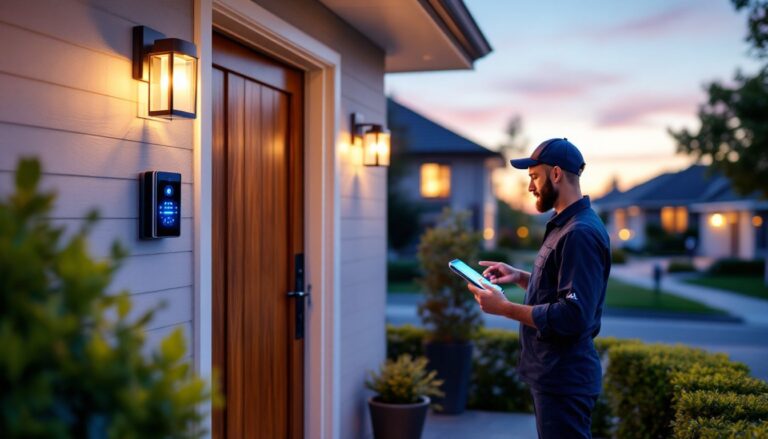
Installation is where cheap systems earn their keep, or fall apart if you rush it. Follow these steps:
1. Plan Your Sensor Placement
Walk your home’s perimeter and note every exterior door and ground-floor window. First-floor windows are prime entry points: second-floor windows usually aren’t unless there’s a deck or easy climb nearby. Place door/window sensors on the door/window frame and the corresponding magnet on the moving part. The two pieces need to align within ½ inch or the sensor won’t read properly.
Motion detectors go in hallways or rooms burglars must pass through to reach valuables. Mount them 6-7 feet high in a corner for best coverage. Avoid pointing them at windows (sunlight causes false alarms) or HVAC vents (heat triggers some PIR sensors).
2. Set Up the Base Station
Place the hub centrally, ideally on the main floor where it can reach all sensors. Plug it into your router with an Ethernet cable if the system supports wired backhaul, Wi-Fi works, but wired is faster and more reliable. Keep the base away from large metal objects (appliances, file cabinets) that can interfere with wireless signals.
3. Pair and Test Each Sensor
Follow the app’s pairing process, usually involving scanning a QR code on each sensor or pressing a sync button. After pairing, test every sensor by triggering it (open the door, wave in front of the motion detector) and confirming the app registers the event. Testing now prevents “armed and useless” situations later.
4. Set Entry/Exit Delays
Configure the system to give you 30-60 seconds to disarm after opening a door, and 30-45 seconds to exit before arming. Too short and you’ll trigger false alarms: too long and an intruder has time to find and smash the keypad.
5. Mount Sensors Permanently
Most systems ship with adhesive strips. Clean the mounting surface with rubbing alcohol first, oil and dust kill adhesive strength. Press firmly for 30 seconds. If you’re in a rental or want cleaner removal later, consider Command strips rated for the sensor’s weight.
PPE note: You won’t need much here, maybe safety glasses if you’re drilling pilot holes for screws instead of using adhesive. Keep a small level handy to ensure sensors are straight: crooked sensors can misalign over time.
For integration ideas, many setups pair well with broader systems like a Google Home alarm for voice control and automation.
Common Mistakes to Avoid When Buying Cheap Security Systems
Budget systems work great, if you dodge these pitfalls:
Skipping compatibility checks. If you already have smart home gear, make sure the alarm system plays nice. A system that doesn’t work with your existing Ring home alarm cameras or smart locks creates two separate apps and zero automation. Check for Alexa, Google, or HomeKit compatibility before buying.
Ignoring expansion limits. Some cheap systems max out at 10-15 devices total. That sounds like plenty until you add cameras, smoke detectors, and extra sensors for the garage and basement. If you think you’ll expand later, verify the system’s device cap. Testing done by Good Housekeeping shows that modular systems with high device limits offer better long-term value.
Underestimating wireless range. Manufacturers spec range in ideal conditions, no walls, no interference. Real-world range is often 40-60% of the claimed distance. If your home is larger than 1,500 square feet or has brick/stucco walls, you may need a range extender ($30-$50). Buy the base system first and test coverage before adding extenders.
Forgetting about battery maintenance. Wireless sensors run on CR2032 or AA batteries depending on the brand. Low-battery alerts are helpful, but if you ignore them, sensors go offline silently. Set a calendar reminder every 18-24 months to check and replace batteries in all sensors.
Not testing the siren. Seriously. Arm the system, trip a sensor, and let the siren wail for a few seconds (warn your family first). Some cheap systems have anemic sirens that wouldn’t wake a sleeping dog. If yours is weak, return it.
Choosing the wrong monitoring plan. Monthly monitoring without a contract is almost always smarter than signing a 3-year agreement to save $3/month. Life changes, you might move, upgrade systems, or decide you don’t need monitoring. Flexibility beats tiny savings.
Conclusion
Affordable alarm systems have closed the gap with premium setups, delivering reliable protection without the sticker shock. Focus on solid entry detection, instant alerts, and battery backup, the rest is gravy. Install thoughtfully, test thoroughly, and remember that even a basic system is a serious deterrent. Most burglars aren’t master criminals: they’re opportunists who move on when they see a keypad and sensors. You don’t need to outrun the bear, you just need to outrun the next guy.