

Table of Contents
ToggleIf you’ve been shopping for home security lately, you’ve probably heard whispers about AT&T’s alarm offerings. But here’s the thing, AT&T’s home security landscape has shifted significantly in recent years, and understanding what’s actually available today versus what was offered in the past is crucial before you commit time or money. This guide cuts through the confusion and lays out exactly what AT&T alarm systems are, how they work, what equipment you can expect, and whether they’re still a viable option for protecting your home in 2026. We’ll also walk through installation considerations, pricing structures, and honest pros and cons so you can make a confident decision about your home’s security setup.
Key Takeaways
- AT&T discontinued its Digital Life home security service in 2021, so current home security options from other providers now offer more flexibility, better integrations, and lower costs without long-term contracts.
- Modern alarm systems like Ring and SimpliSafe provide DIY installation in 30-60 minutes with pricing starting at $199-$245 for base kits, compared to AT&T’s legacy requirement for professional installation and multi-year contracts.
- An AT&T alarm system alternative should include dual-path communication (cellular and broadband backup), professional 24/7 monitoring, and integration with popular smart home platforms like Alexa and Google Home.
- Professional installation adds $99-$199 in upfront costs but ensures optimal sensor placement and same-day activation, while DIY setups save money for homeowners comfortable with basic tools and basic wiring.
- Monitor your home insurance provider’s requirements—many offer 5-20% discounts with UL-listed monitored alarm systems, which can offset monthly monitoring fees of $20-$60.
What Is the AT&T Alarm System and How Does It Work?
AT&T’s home security venture originally launched as AT&T Digital Life in 2013, offering a full-featured smart home security platform with professional monitoring, cameras, sensors, and home automation features. The system operated over cellular and broadband connections, giving homeowners remote access through a mobile app.
But, AT&T officially discontinued Digital Life in 2021, transitioning existing customers to alternative providers. Today, when people search for “AT&T alarm system,” they’re often looking at legacy information or considering whether AT&T still offers home security services directly, which they don’t.
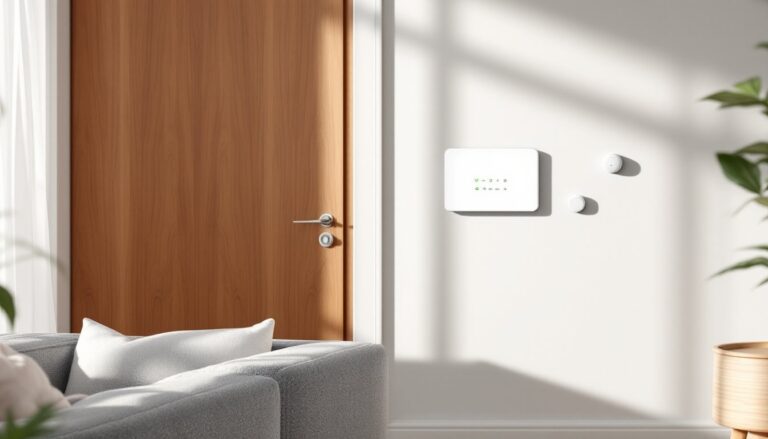
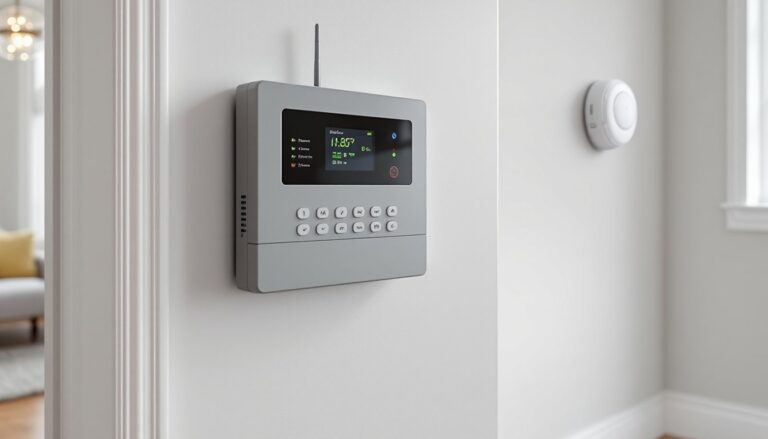
The original Digital Life system worked through a central hub (control panel) that communicated with door/window sensors, motion detectors, cameras, and smart locks. The hub connected to AT&T’s monitoring center via cellular backup and broadband, ensuring redundancy if one connection failed. Users could arm/disarm the system, view live camera feeds, and receive alerts through the Digital Life app.
For homeowners who had Digital Life installed, most equipment was hardwired or wireless, depending on when it was installed. Early systems used more hardwired sensors, while later iterations favored wireless Z-Wave and Zigbee devices for easier installation and flexibility.
Key Features and Equipment Included
AT&T Digital Life systems came with a robust equipment package, though what you received depended on your chosen tier. Here’s what was typically included:
Standard Equipment
- Control Panel/Hub: Wall-mounted touchscreen (usually 7-inch display) that served as system command center
- Door/Window Sensors: Magnetic contact sensors, typically 3–10 depending on package
- Motion Detectors: Passive infrared (PIR) sensors covering main living areas
- Yard Sign and Window Decals: Deterrent signage
- Cellular and Broadband Backup: Dual-path communication to monitoring center
Optional Add-Ons
- Indoor/Outdoor Cameras: 720p or 1080p resolution with cloud storage
- Smart Locks: Z-Wave compatible deadbolts (Kwikset, Yale)
- Glass Break Detectors: Acoustic sensors for windows
- Smoke and CO Detectors: Integrated into alarm monitoring
- Smart Thermostats and Lighting: Home automation through the same app
- Water Leak Sensors: Floor-mounted detectors for basements and under sinks
The system supported remote arming/disarming, geofencing (automatic arming when you leave), and custom automation rules. For instance, you could program lights to turn on when motion was detected after sunset, or receive a push notification if a door opened while the system was armed.
One standout feature was professional video storage, clips were saved to the cloud automatically when motion or alarms triggered, which was useful for insurance claims or police reports. Battery backup in the control panel kept the system operational during power outages for 4–6 hours.
AT&T Digital Life vs. Current Home Security Options
Since AT&T exited the home security market, former Digital Life customers were migrated to providers like ADT or offered system buyouts. If you’re comparing what Digital Life offered to today’s options, here’s how it stacks up:
AT&T Digital Life (Legacy)
- Professional installation required
- Equipment lease or purchase
- 24/7 professional monitoring mandatory
- Cellular + broadband backup
- Contract-based (typically 24–36 months)
- Integration with AT&T services (internet, TV)
Modern Alternatives in 2026
- Many offer DIY installation (Ring, SimpliSafe)
- Equipment purchase upfront or financing
- Optional professional monitoring or self-monitoring
- Cellular, Wi-Fi, or dual-path options
- More flexible contracts or month-to-month
- Broader smart home integrations (Alexa, Google, HomeKit)
Systems like smart home security platforms have evolved significantly since Digital Life’s heyday. Today’s DIY setups often match or exceed Digital Life’s capabilities at lower upfront costs. For example, a Ring Alarm Pro includes a built-in eero Wi-Fi 6 router, while SimpliSafe offers no-contract monitoring starting at $19.99/month.
If you’re looking for a comparable experience with AT&T-style integration, consider systems that bundle with your internet provider. Some homeowners find that modern monitoring services offer similar dual-path communication and professional-grade equipment without long-term lock-in.
Digital Life’s biggest weakness compared to today’s systems? Limited third-party integration. You were locked into AT&T’s ecosystem, whereas current leaders like Vivint, ADT, and even DIY options play nicely with Nest, Philips Hue, and voice assistants.
Installation Process: Professional vs. DIY Setup
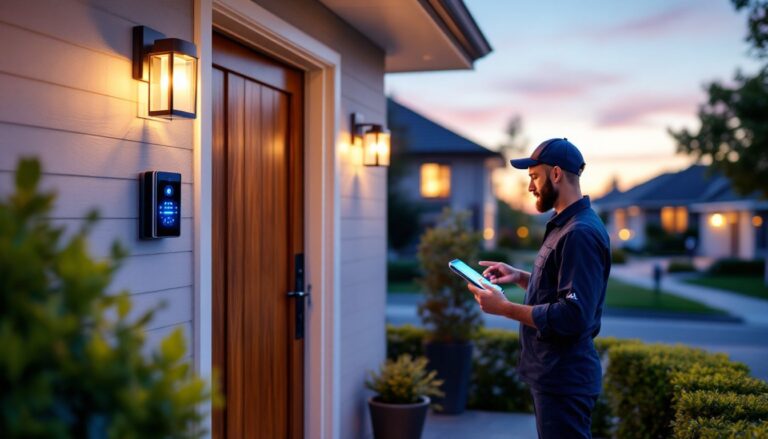
AT&T Digital Life required professional installation, no exceptions. A certified technician would schedule a 3–4 hour appointment to mount the control panel, install sensors, run any necessary wiring, and configure the system. This approach had upsides and downsides.
Professional Installation Benefits
- Technician handled all mounting and wiring
- System tested and verified before tech left
- Sensors placed optimally for coverage
- No need to own drills, fish tape, or ladder
- Same-day activation with monitoring center
Professional Installation Drawbacks
- Installation fees ($99–$199, sometimes waived with contract)
- Scheduling delays (could be 1–2 weeks out)
- Limited control over sensor placement
- Harder to relocate equipment later
If you had a wired system installed, the tech would fish low-voltage wire through walls to door/window sensors, common in new construction or homes with accessible attics and crawl spaces. Wireless installs were faster but still required wall-mounting the control panel and configuring Z-Wave devices.
Safety Note: If you’re modifying a legacy Digital Life system or considering a similar wired setup, always turn off power at the breaker before handling any wiring. Low-voltage alarm wire (typically 18–22 AWG) is safer than 120V household current, but it’s still best practice to verify with a non-contact voltage tester.
DIY Alternatives Today
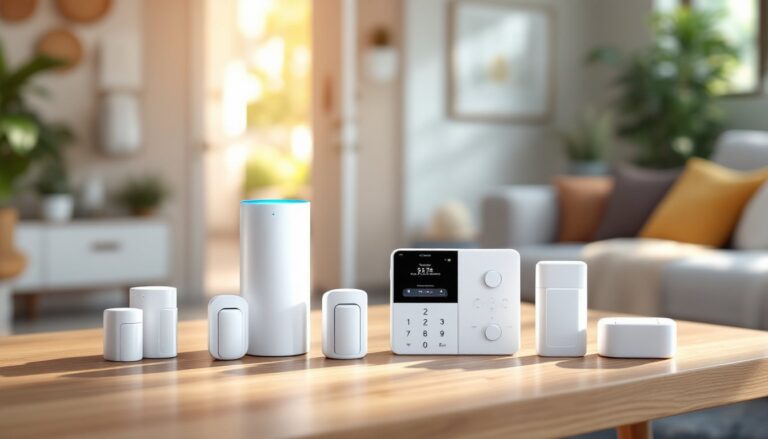
Most modern systems are DIY-friendly. SimpliSafe, Ring, and Abode ship with adhesive strips and screws, you can have a full system up in 30–60 minutes. Control panels are often wireless hubs that sit on a shelf or mount with a single screw. Door sensors use 3M adhesive tape rated for 10+ pounds, which is more than sufficient for a 2-ounce sensor.
If you’re comfortable using a drill and level, adding wired sensors or hardwiring a control panel isn’t difficult. Use a stud finder to locate solid backing, and always drill pilot holes for screw anchors in drywall. For running cable through walls, a flexible fish tape or glow rod makes the job easier, but expect to spend a weekend on a whole-house setup.
Some jurisdictions require an electrical permit for hardwired smoke detectors integrated into alarm systems, check with your local building department before starting.
Pricing, Monitoring Plans, and Contract Details
AT&T Digital Life pricing varied based on package tier and contract length, but here’s what customers typically paid:
Equipment Costs (Legacy Digital Life)
- Secure Package: $29.99/month (monitoring) + $150–$200 upfront for basic equipment
- Smart Security Package: $39.99/month + $300–$400 upfront (added cameras, smart lock)
- Video & Home Automation Package: $59.99–$64.99/month + $500+ upfront (multiple cameras, thermostat, lighting)
Contracts were usually 24 or 36 months, with early termination fees ranging from $250–$400 depending on remaining term. Equipment could be leased (lower upfront cost) or purchased (higher upfront, no monthly equipment fee).
Installation fees were $99–$199, though AT&T often waived them with promotional offers or if you bundled with internet/TV service.
How Modern Systems Compare
Today’s alternatives offer more flexibility. Many homeowners are switching to systems with flexible monitoring options that don’t require multi-year commitments:
- Ring Alarm: $199 base kit, $20/month monitoring (no contract)
- SimpliSafe: $245 base kit, $27.99/month (no contract)
- ADT Command: $599–$1,499 upfront, $45.99–$59.99/month (36-month contract)
- Vivint: $599–$1,899 upfront, $29.99–$49.99/month (42–60 month contract)
Cellular backup and cloud storage often cost extra. Ring includes 180 days of video history with their monitoring plan, while others charge $5–$10/month per camera.
Cost Reality Check: Equipment and monitoring prices fluctuate based on promotions, regional providers, and whether you bundle services. In 2026, expect to pay $30–$60/month for professional monitoring with cellular backup. DIY systems with self-monitoring can cost as little as $0/month after equipment purchase, but you won’t have 24/7 dispatch to fire/police.
If you’re budgeting for a full system, plan on $400–$800 upfront for equipment (10–15 sensors, 2–3 cameras, control panel) and $20–$50/month ongoing. That’s in line with what Digital Life cost, but without the contract penalty for leaving early.
Pros and Cons: Is AT&T Home Security Right for You?
Since AT&T no longer offers home security directly, this section evaluates what Digital Life offered and whether similar systems are right for your home.
Pros of AT&T Digital Life (When It Existed)
- Dual-path communication: Cellular + broadband meant reliable connection to monitoring center
- Professional installation: Zero DIY effort required
- Integrated smart home: Lights, locks, thermostats in one app
- 24/7 monitoring: UL-listed central station dispatch
- Equipment quality: Sensors and cameras were solid mid-tier hardware
Cons of AT&T Digital Life
- Long contracts: 24–36 months with steep early termination fees
- High upfront costs: $500+ for full automation packages
- Limited flexibility: Couldn’t self-monitor or skip professional monitoring
- Proprietary equipment: Hard to integrate non-AT&T devices
- Service discontinued: No ongoing support or updates
Who Should Consider Similar Systems Today
Good fit if you:
- Want professional installation and don’t mind paying for it
- Prefer 24/7 monitoring with certified operators
- Live in an area with reliable cellular and broadband
- Own your home and plan to stay 3+ years
- Value integrated smart home control in one app
Look elsewhere if you:
- Rent or move frequently
- Want DIY installation and full equipment ownership
- Prefer month-to-month monitoring flexibility
- Need extensive third-party device support (Apple HomeKit, etc.)
- Already have wired alarm infrastructure you can retrofit
For hands-on homeowners comfortable with basic tools, a DIY system offers better value in 2026. You’ll save $200–$500 on installation and avoid contracts. But, if you’re not confident drilling into studs or running cables, professional installation guarantees proper sensor placement and fewer false alarms.
One often-overlooked factor: insurance discounts. Many insurers offer 5–20% discounts on homeowners insurance with monitored alarm systems. Check with your provider, the savings can offset monitoring costs. Some insurers even require UL-listed monitoring (more on monitoring standards) for the discount, which rules out self-monitored systems.
Conclusion
AT&T’s exit from home security left a gap, but the market quickly filled it with more flexible, feature-rich alternatives. If you’re starting fresh in 2026, you have better options than Digital Life ever offered, lower costs, no contracts, and smarter integrations. For legacy Digital Life users, it’s worth evaluating whether your migrated system still meets your needs or if it’s time to upgrade. Either way, invest in quality sensors, maintain your backup batteries, and test your system monthly. A security system only works when it’s functioning properly and you know how to use it.