
Table of Contents
ToggleComcast’s foray into home security might surprise homeowners who know the brand primarily for cable and internet. But Xfinity Home Security has carved out a solid niche in the smart home security market, bundling monitoring, automation, and equipment into packages that ride on Comcast’s existing infrastructure. If you’re already an Xfinity customer, or considering the leap, understanding what this system offers, what it costs, and whether it fits your home’s security needs is crucial before signing up.
Key Takeaways
- Xfinity Home Security integrates professional monitoring, smart home controls, and cellular backup into one app, ideal for existing Comcast customers seeking unified device management.
- The Comcast alarm system requires an active Xfinity Internet subscription and typically costs $30–$65/month for monitoring plus $200–$500 for starter equipment, with 24-month contracts that carry early termination fees.
- Continuous video recording (CVR) is available on select camera models for an additional monthly fee, offering 24/7 footage storage up to 30 days similar to commercial-grade systems.
- DIY installation is now an option with adhesive-backed sensors and video tutorials, though professional installation remains recommended for optimal sensor placement and system activation.
- Xfinity Home Security ranks well for smart home integration and professional monitoring but falls short for customers prioritizing contract flexibility or those without existing Xfinity Internet service.
What Is the Comcast Alarm System (Xfinity Home Security)?
Xfinity Home Security is Comcast’s professionally monitored alarm and smart home platform, integrated with their internet and cable services. The system uses cellular and broadband connections for monitoring, meaning it doesn’t rely solely on your Wi-Fi, a backup that keeps the system operational even if your internet goes down.
The platform combines traditional security equipment (door/window sensors, motion detectors, cameras) with smart home controls. You can lock doors, adjust thermostats, and control lights from the same app that arms your alarm. It’s a unified ecosystem that appeals to homeowners who want one interface rather than juggling multiple apps.
Xfinity Home requires an active Xfinity Internet subscription, which can be a dealbreaker for non-customers but a convenience for existing subscribers. The system uses a touchscreen control panel as the hub, with 24/7 professional monitoring handled by Comcast’s security operations center. Alarm signals trigger immediate response protocols, including contact attempts and emergency dispatch if you can’t be reached.
Key Features and Equipment Included
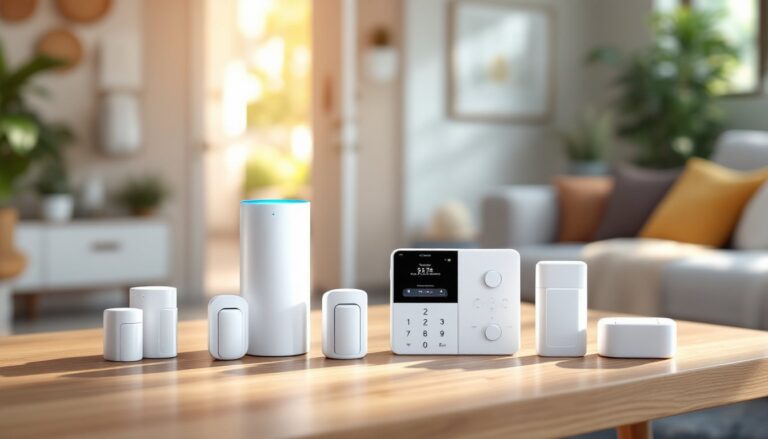
Xfinity Home Security packages typically include:
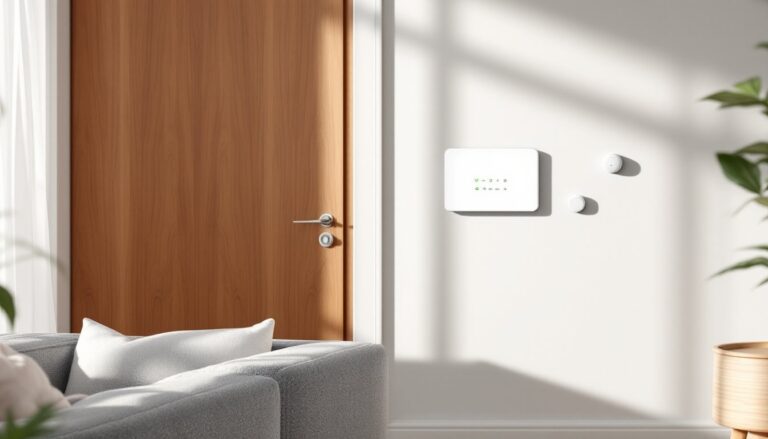
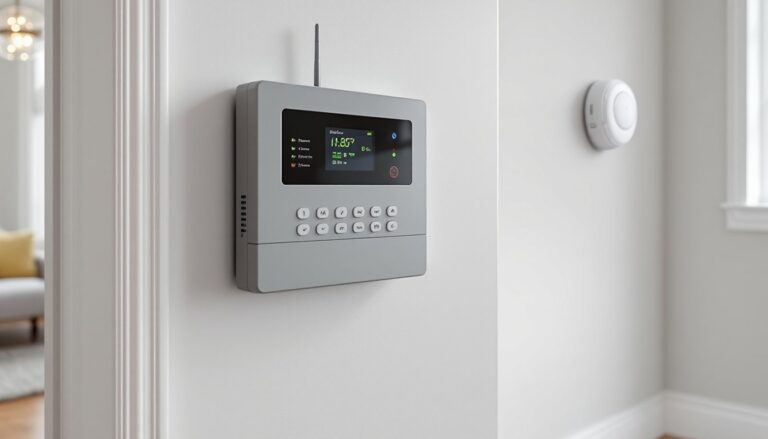
- Touchscreen control panel: Wall-mounted hub with 7-inch display, battery backup, and cellular connectivity
- Door/window sensors: Wireless contact sensors (usually 2-4 in starter packages)
- Motion detectors: Passive infrared sensors for interior monitoring
- Key fobs: Remote arming/disarming devices
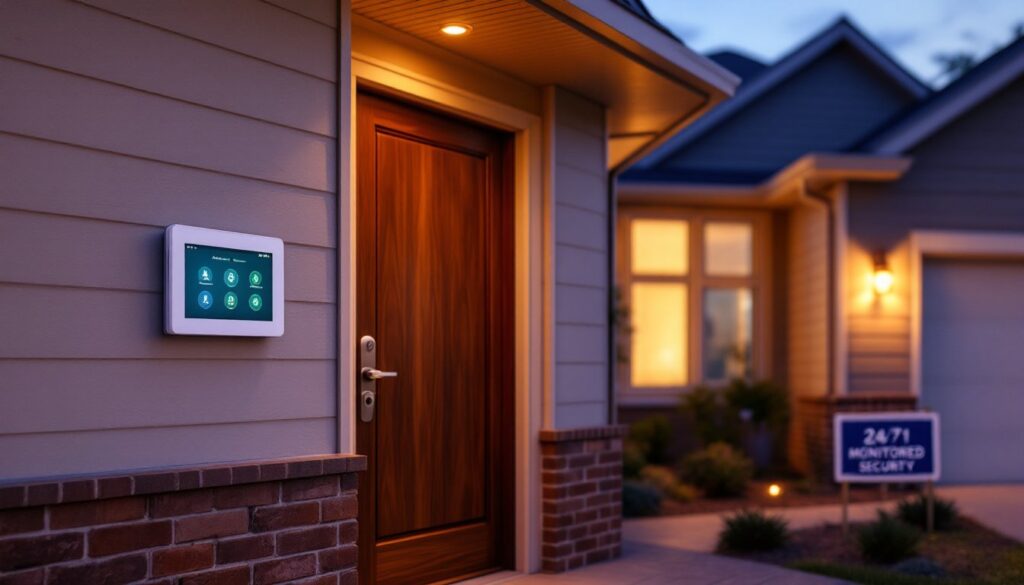
- Yard signs and window decals: Deterrent signage
Optional add-ons expand the system:
- Indoor/outdoor cameras: 1080p or higher resolution with night vision and two-way audio
- Video doorbell: Integrated with the Xfinity app for package monitoring
- Smart locks: Keyless entry with remote control and access codes
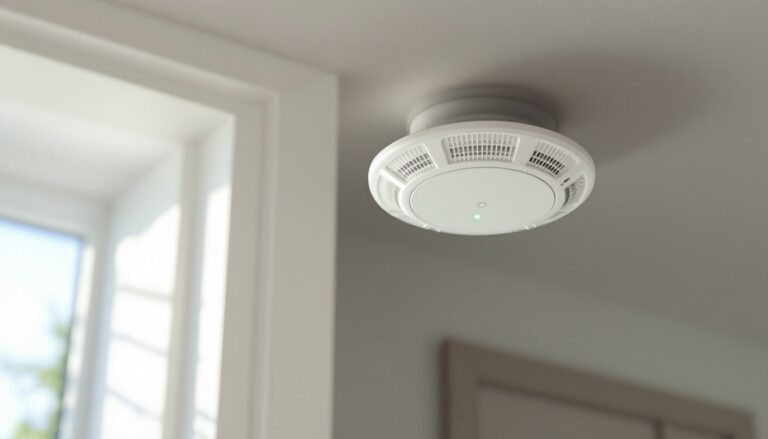
- Environmental sensors: Smoke, CO, water leak, and freeze detectors
- Glass break detectors: Audio sensors for window breakage
The system integrates with Amazon Alexa and Google Assistant for voice control. You can arm the system, check camera feeds, or adjust smart devices using voice commands. The mobile app provides real-time alerts, live video streaming, and remote control of all connected devices.
One standout feature is continuous video recording (CVR), available on select camera models for an additional monthly fee. Unlike motion-triggered recording that captures clips, CVR stores footage 24/7 for up to 30 days, similar to commercial-grade systems. Smart home enthusiasts comparing platforms like Ring Home Alarm often weigh CVR availability heavily in their decision.
How Much Does Xfinity Home Security Cost?
Pricing for Xfinity Home Security operates on an equipment-plus-monitoring model, with costs varying by region and current promotions. As of 2026, expect these ballpark figures:
Equipment Costs:
- Starter packages typically run $200–$500 for basic sensors, a control panel, and installation
- Additional cameras: $100–$250 each
- Smart locks: $150–$200
- Video doorbell: $150–$180
Monthly Monitoring Fees:
- Basic monitoring (no video storage): $30–$40/month
- Secure monitoring with 10-day video storage: $45–$50/month
- Complete monitoring with CVR and extended storage: $55–$65/month
These fees require a 24-month contract in most markets, with early termination fees ranging from $150–$300 depending on remaining contract length. Installation costs are sometimes waived during promotional periods or bundled with internet upgrades.
Compare this to competitors: systems like ADT Home Alarm often charge higher upfront equipment costs but offer more flexible contract terms. According to Digital Trends, average smart home security monitoring runs $30–$60 monthly across major providers, putting Xfinity in the mid-to-upper range.
Keep in mind that Xfinity Internet service is mandatory, adding $50–$100/month to your total security-related expenses if you’re not already a subscriber. Factor that into your budget when comparing standalone systems.
Installation Options: Professional vs. DIY Setup
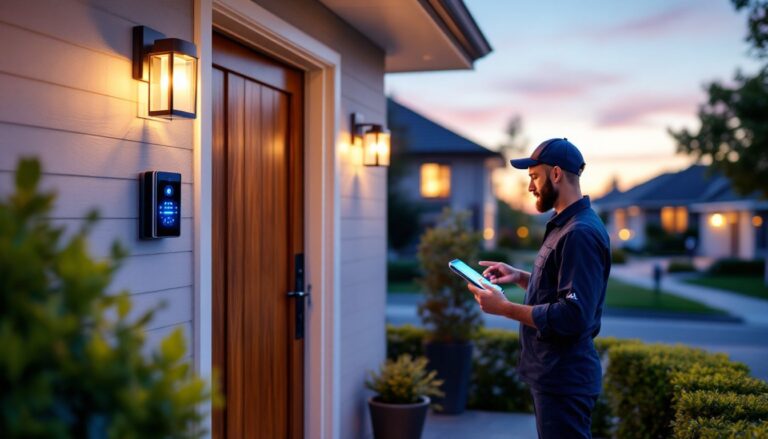
Xfinity Home Security leans heavily toward professional installation, which is included in most packages. A certified technician schedules a visit, mounts the control panel, places sensors, tests equipment, and walks you through system operation. Installation typically takes 2–4 hours depending on the number of devices and home layout.
Professional installation makes sense for homeowners who:
- Want guaranteed proper sensor placement and optimal signal strength
- Lack experience with low-voltage wiring or drilling into walls
- Prefer immediate system activation without troubleshooting
That said, Comcast has expanded self-installation options for simpler setups. The DIY kit includes:
- Pre-paired equipment that connects to your account via the app
- Adhesive-backed sensors (no drilling required for most placements)
- Step-by-step video tutorials and phone support
DIY installation works well for:
- Renters who can’t drill into walls or trim
- Tech-comfortable homeowners who want to save installation fees
- Small spaces with straightforward sensor placement
Safety note: If you’re mounting cameras outdoors or running wiring through walls, ensure you’re not drilling into electrical lines or load-bearing studs without proper detection tools. A stud finder with AC detection (around $30–$50) is essential. For outdoor camera installation above ground level, use a sturdy Type IA ladder rated for your weight plus equipment.
Homeowners comfortable with wired home alarm systems may find Xfinity’s wireless approach simpler, though wireless systems depend on battery maintenance, expect to replace sensor batteries every 12–24 months depending on usage.
Pros and Cons of Choosing Comcast for Home Security
Pros:
- Integrated ecosystem: Single app controls security, cameras, locks, thermostats, and lighting, no juggling multiple platforms
- Cellular backup: Monitoring continues even if broadband fails, unlike purely Wi-Fi-dependent systems
- Bundling discounts: Existing Xfinity customers often get reduced rates or waived installation fees
- Professional monitoring: 24/7 monitoring center with immediate emergency dispatch protocols
- Smart home compatibility: Works with Alexa, Google Assistant, and Xfinity’s own voice remote
Cons:
- Requires Xfinity Internet: Non-negotiable subscription requirement locks out non-customers
- Long-term contracts: 24-month agreements with early termination penalties limit flexibility
- Mid-to-high pricing: Monthly monitoring fees exceed budget options like SimpliSafe or Wyze
- Limited equipment portability: If you move outside Xfinity’s service area, you’ll need a new system
- Mixed customer service reviews: Comcast’s reputation for support varies widely by region
According to Tom’s Guide, Xfinity Home Security ranks favorably for integration but lags behind competitors in contract flexibility. Homeowners comparing the Xfinity Home Alarm to standalone systems should weigh the value of bundled services against contract commitment.
Another consideration: data privacy. Comcast stores video footage on cloud servers, raising questions about data access and retention policies. Review Xfinity’s privacy policy carefully, especially about law enforcement requests and third-party data sharing.
Is Xfinity Home Security Right for Your Home?
Xfinity Home Security makes the most sense for:
Existing Xfinity customers: If you’re already paying for Xfinity Internet, bundling security saves installation costs and simplifies billing. You’re leveraging infrastructure you already have.
Smart home enthusiasts: Homeowners building a connected ecosystem appreciate the unified control. Managing security alongside Google Home Alarm integrations or other smart devices becomes seamless.
Homeowners seeking professional monitoring: If you want 24/7 oversight with cellular backup, Xfinity delivers reliable service comparable to AT&T Home Alarm systems.
Skip Xfinity if:
- You don’t have (and don’t want) Xfinity Internet service
- You prefer month-to-month contracts or plan to move frequently
- Budget is tight and you’d rather self-monitor with lower-cost alternatives
- You’re in an area with spotty Comcast customer service reputation
For renters or frequent movers, portable systems without service-area restrictions offer better flexibility. And if you’re comfortable with DIY monitoring, platforms reviewed on CNET like Ring or Eufy provide solid security without monthly fees.
Before signing, request a site survey if available, even informal. Walk the technician through entry points, discuss camera blind spots, and ask about sensor range in your specific layout. A two-story home with a detached garage needs different coverage than a single-level ranch.
Conclusion
Comcast’s Xfinity Home Security offers a robust, integrated platform that works well for existing customers seeking professional monitoring and smart home control in one package. The system’s cellular backup, touchscreen hub, and extensive device compatibility make it a solid mid-tier choice, provided you’re willing to commit to a 24-month contract and already subscribe to Xfinity Internet. Weigh equipment costs, monthly fees, and contract terms against your security priorities and household needs before pulling the trigger.